
clashjiaocheng.com · The easiest Clash tutorial around

How do you use Clash?
Find outright here

From downloading and installing, to importing your subscription, to enabling the proxy — we'll walk you through getting started with Clash in three steps. It's a free, open-source, multi-platform proxy client. Clear, plain-language guides paired with installers for every platform mean even total beginners can get set up in ten minutes.

GPL Open Source License No Telemetry · No Ads Written in Go
Clash Tutorial mascot: an orange cat sitting on a network globe, symbolizing global node connections
0+
GitHub Stars
0 10K+
Total Downloads
0 Major Platforms
Full Coverage
0+
Community Contributors
Quick Start

Clash Beginner's Guide: Get Up and Running in Three Steps

No technical background needed — just follow these three steps below to go from install to online in under ten minutes.

1 Step 1: Download and Install the Clash Client

Download and Install the Client

Pick your operating system below and download the matching installer. On desktop, just double-click to install; on mobile, install the APK or grab it through TestFlight.

Pick My Platform

2 Step 2: Import Your Subscription Link or Config File

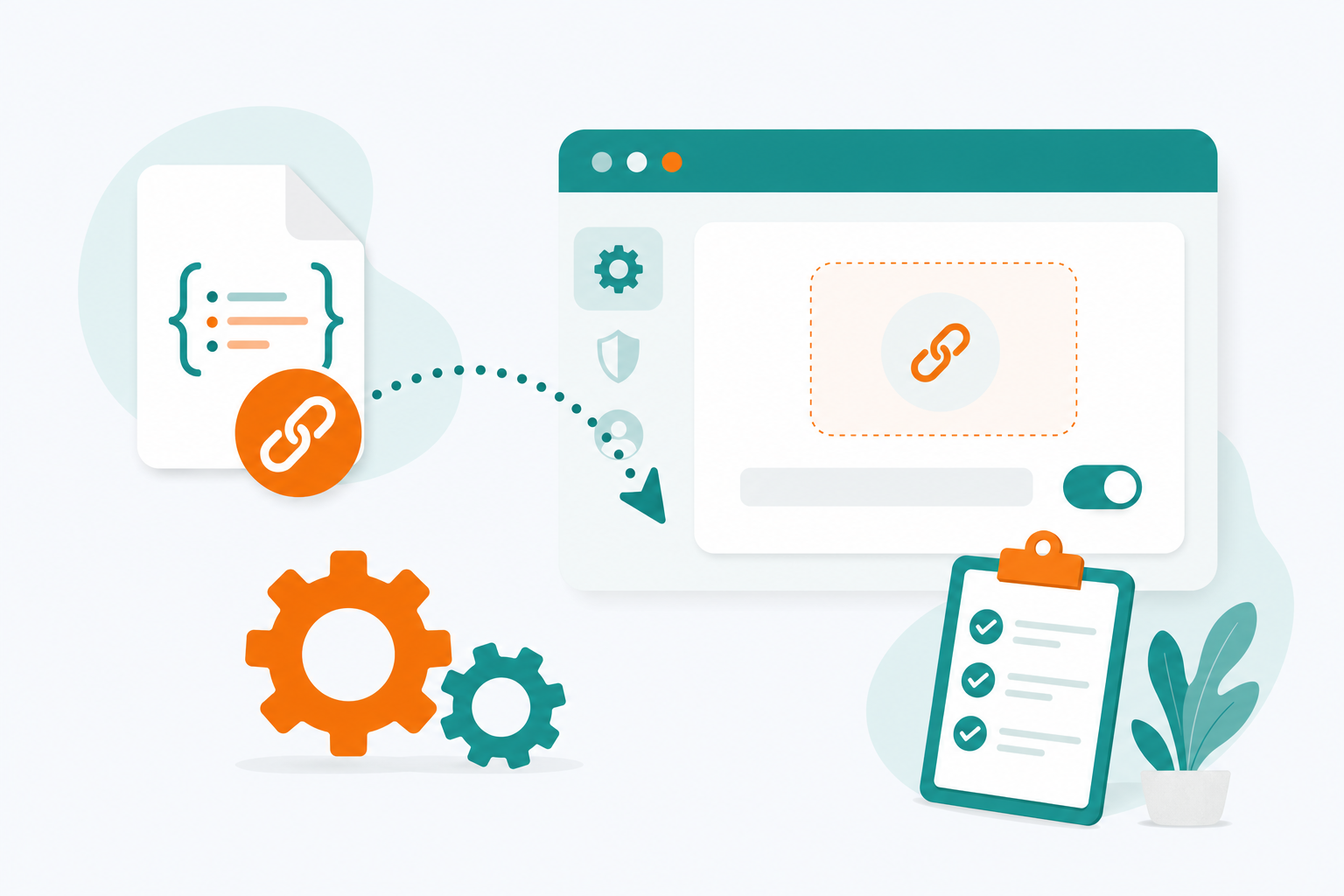
Import a Subscription Link

Copy the subscription URL from your provider, paste it into the "Profiles" page in the client, and the node list will download automatically and stay updated on a schedule.

View the Illustrated Guide
3 Step 3: Turn On the System Proxy and Pick a Node

Turn On the Proxy and You're Off

Flip on the "System Proxy" switch, choose Rule mode, and pick a node with low latency — refresh your browser and you're browsing normally.

Troubleshooting Common Issues
Core Features

Why Do So Many People Choose Clash?

It's not just a proxy switch — it's a full, fine-grained traffic management system.

01

Rule-Based Routing Engine

Precise matching by domain, IP, GeoIP, process, and more — domestic traffic goes direct, foreign traffic goes through the proxy, ads get blocked outright, all without stepping on each other.

02

Full Multi-Protocol Support

Shadowsocks, VMess, Trojan, VLESS, Snell, WireGuard, and other major protocols work out of the box — just import your subscription.

03

High-Performance Go Core

Written natively in Go, with multiplexing and a low memory footprint — stays stable even at full gigabit throughput, no stress running around the clock.

04

Consistent Across Five Platforms

Clients for Windows, macOS, Android, iOS, and Linux — one subscription config, the same experience everywhere.

05

Free, Open Source, Auditable

The code is fully open source on GitHub — no hidden fees, no data collection, every line of logic open to community scrutiny.

06

Subscriptions Update Automatically

Subscriptions refresh on a schedule, nodes are speed-tested automatically, and failures trigger an automatic switch — set it up once and mostly forget it exists.

Rule Engine

One YAML File,
Your Entire Network Defined

A Clash config is just a human-readable YAML file. Its declarative rule syntax keeps even complex routing logic easy to follow — save your changes and they take effect instantly.

  • Multi-Dimensional Matching by Domain / IP / ProcessFrom broad to fine-grained matching — split traffic exactly how you want
  • Automatic Speed-Tested Proxy Group SwitchingMix and match url-test, fallback, and load-balance strategies freely
  • Remote Rule Set SubscriptionsCommunity-maintained rule sets update continuously — no need to maintain a list by hand
config.yaml YAML
# Proxy groups with auto speed test
proxy-groups:
  - name: "auto"
    type: url-test
    proxies: [HK-01, Tokyo-02, SG-05]
    interval: 300

# Traffic split rules, top-down matching
rules:
  - DOMAIN-SUFFIX,github.com,auto
  - DOMAIN-KEYWORD,youtube,auto
  - GEOIP,CN,DIRECT
  - RULE-SET,reject-ads,REJECT
  - MATCH,auto
Open Source

Free & Open Source —
Code You Can Actually Verify

The Clash / Mihomo core is released as open source under the GPL-3.0 license — no hidden fees, no data collection. Below is a live preview of the client dashboard.

View the Tutorial